In-depth walkthrough
How See around fits into your workflow
You keep working with your own tools, materials and scenes. We handle turning your renders into an interactive 3D experience, wiring the sales data in, and adapting the logic to each project.
Your renders, your process
You export your renders exactly as you already do for your clients: same software, same materials, same scene settings. The only difference is that you output an image sequence around the project rather than a single fixed view. No pipeline overhaul, no plugins to install.
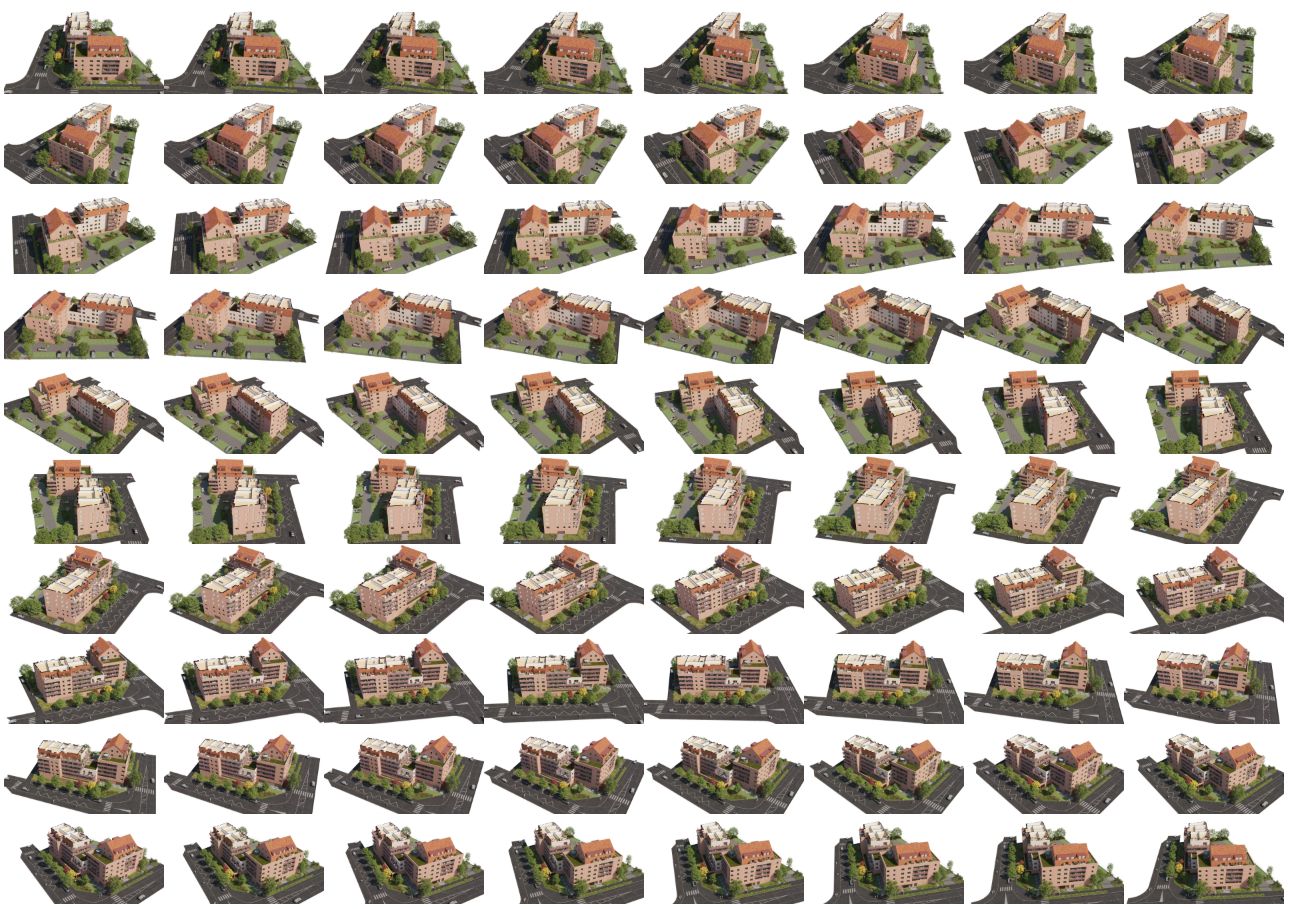
From image to interactive content
To make the model clickable, we pair every render with a mask layer: a version of the same image where each building, each zone, each clickable element is painted in a unique flat color. That mask is what lets visitors point at a specific building and trigger the interactions.
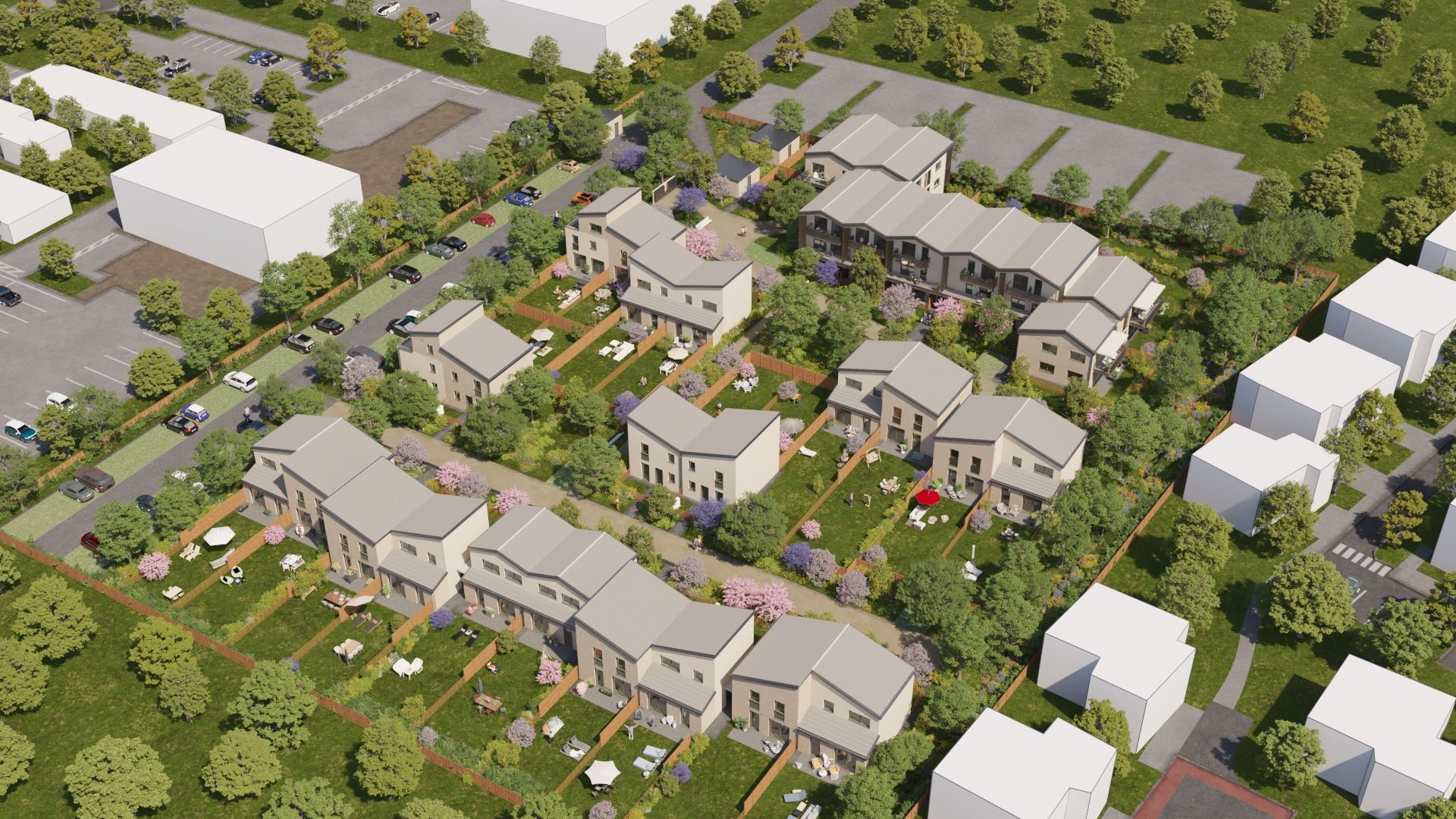
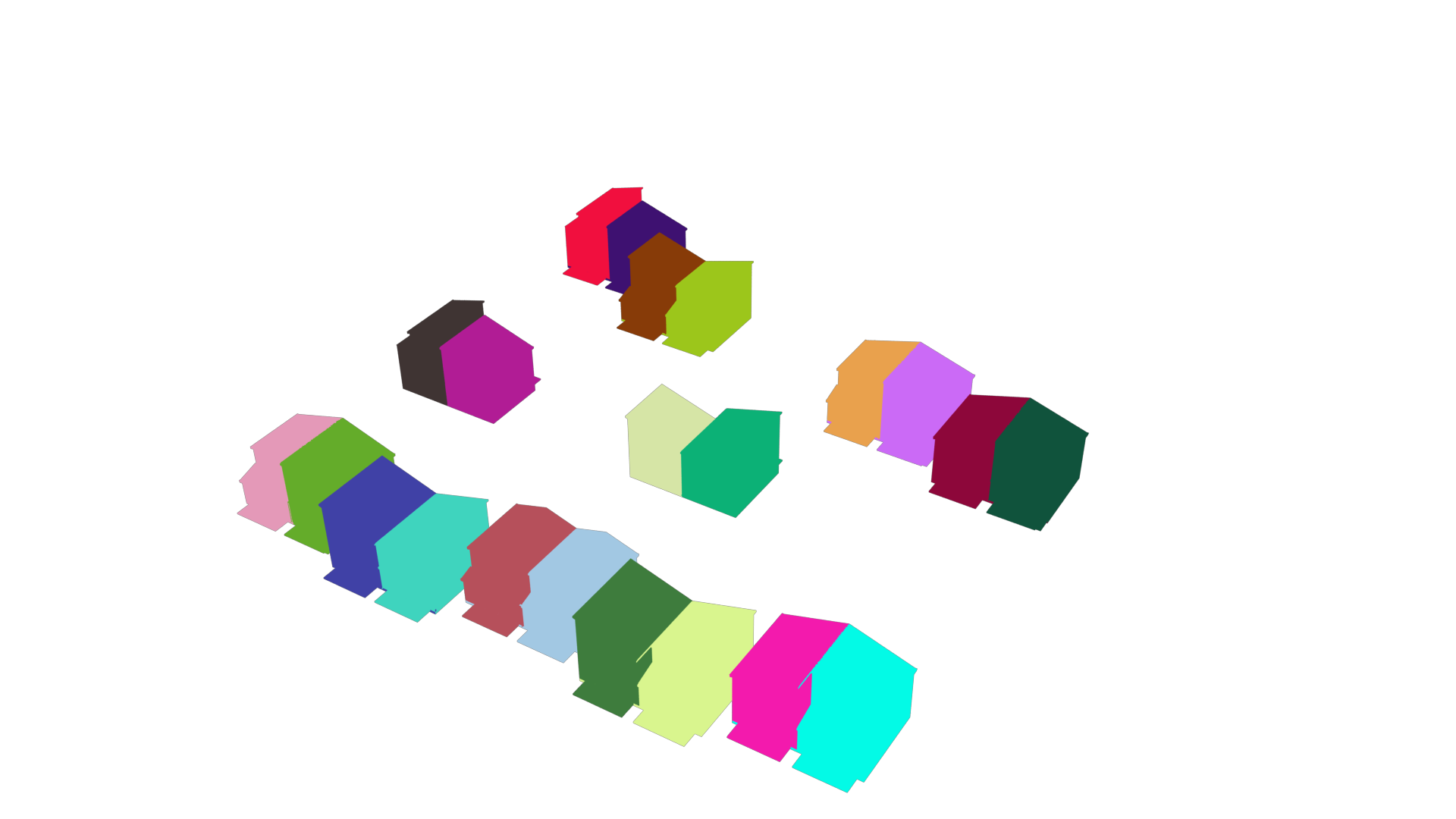 Interactive mask
 The mask is invisible to your visitors: it lives on the technical side and powers the clickable zones for each building. Toggle with the button above or by clicking the image.
Floor plans and sales data
Your client (the developer) hands over the sales plans they already produce. We extract the full dataset: unit IDs, typology, surface area, number of rooms, orientation, price, availability. Everything is structured in our database and tied to the clickable zones of the model.
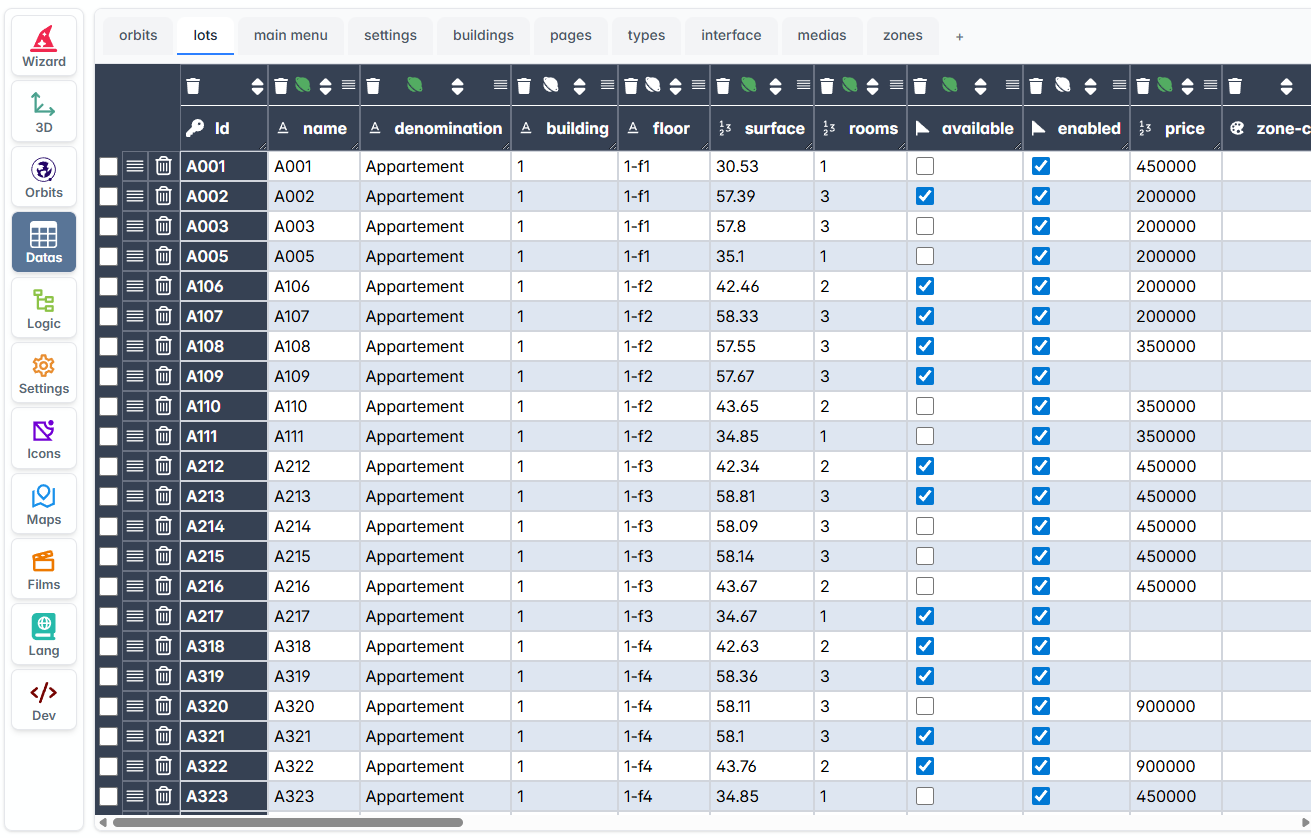
Two ways to keep the data up to date
Information like price and availability evolves throughout the sales cycle. Two options, depending on the developer's setup:
Connection to the developer's CRM
We connect the model to the end client's CRM via API. Price and availability updates are reflected in real time, with no manual intervention.
Dedicated dashboard
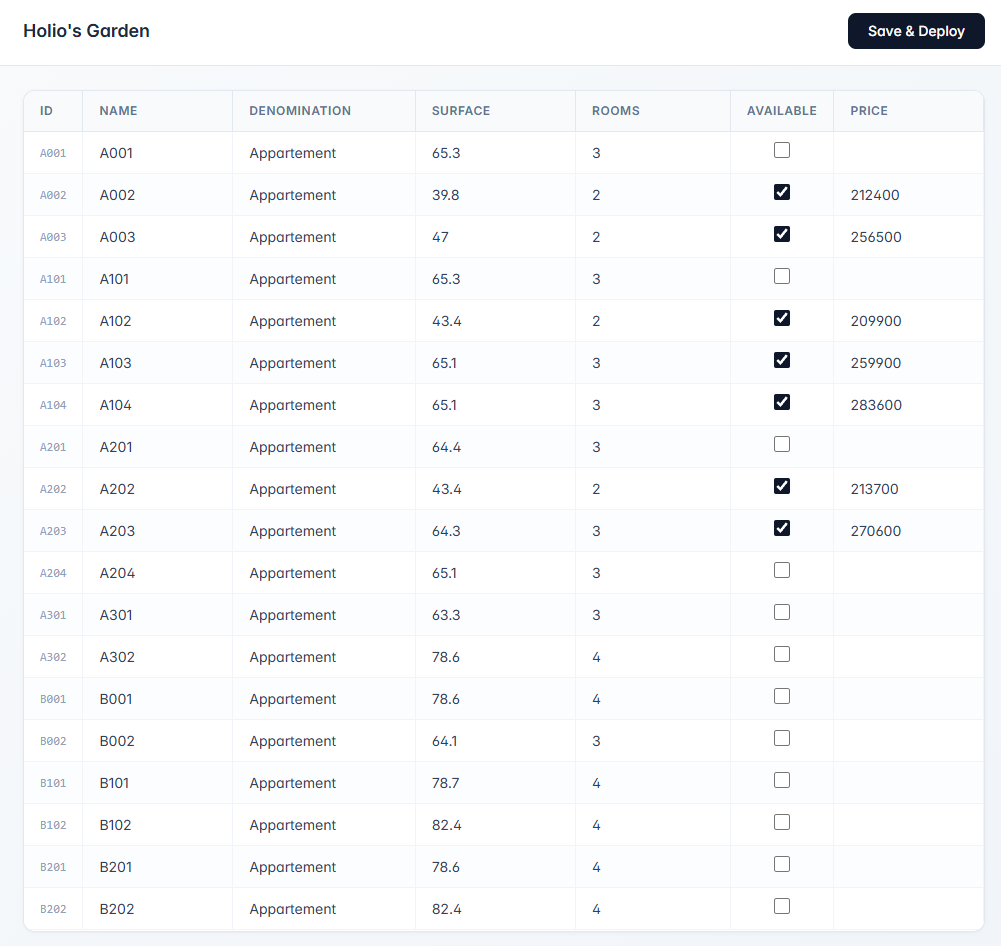
If the developer has no pluggable CRM, we provide credentials to a lightweight dashboard where they update price and availability in a few clicks. Changes are published to the model at the press of a button.
Flexibility: every project has its own requirements
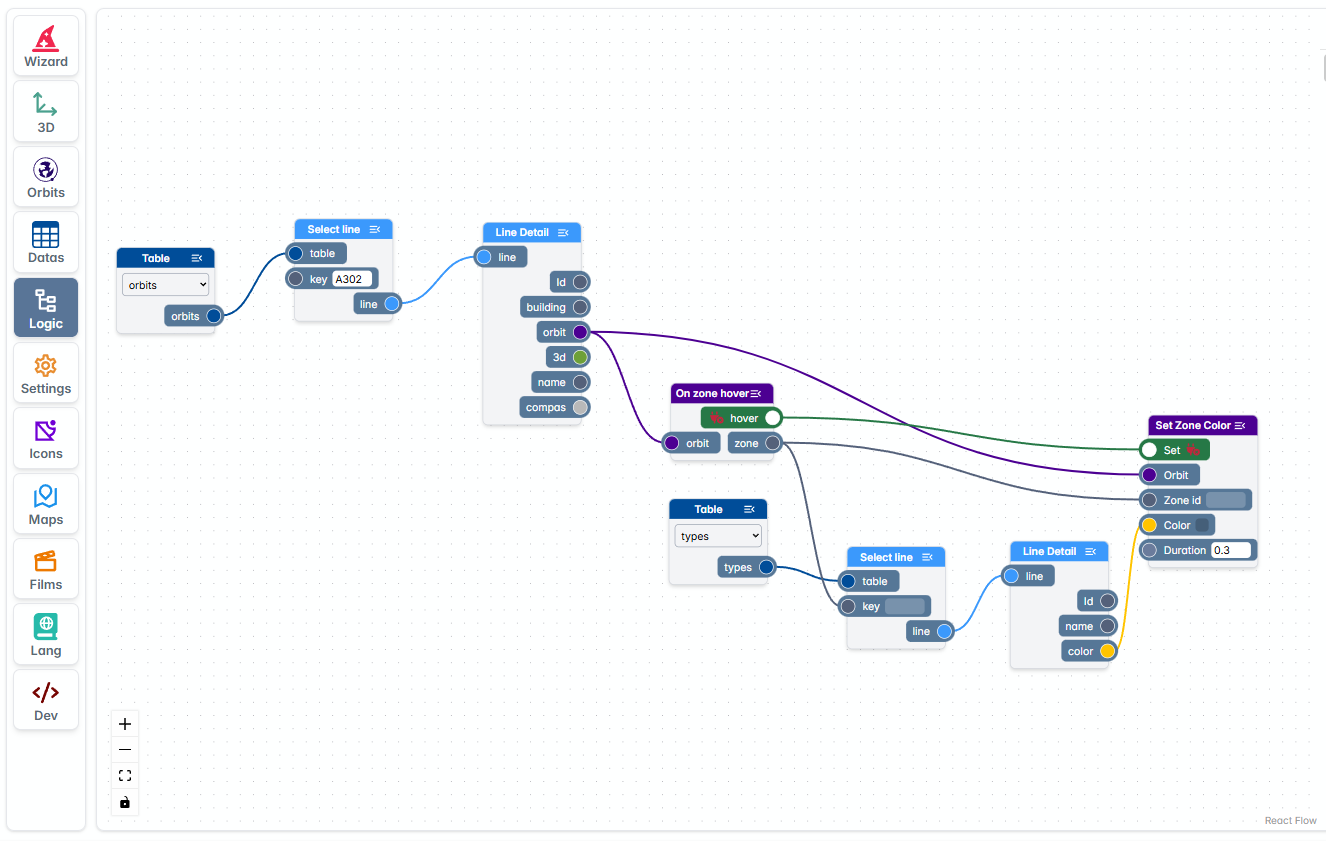
Across more than 400 models delivered, we've worked with dozens of developers, each with their own habits, brand guidelines and last-mile expectations. Custom filters, specific behaviors on certain zones, third-party integrations, conditional displays depending on the sales phase: we've always found a way to say yes to last-minute requests, without compromising product stability.
What lets us keep that promise is our internal per-project logic engine: a node editor where we compose the rules unique to each delivery without touching the core codebase. The result: fast, traceable adjustments with zero regressions on other projects.
Languages and wording
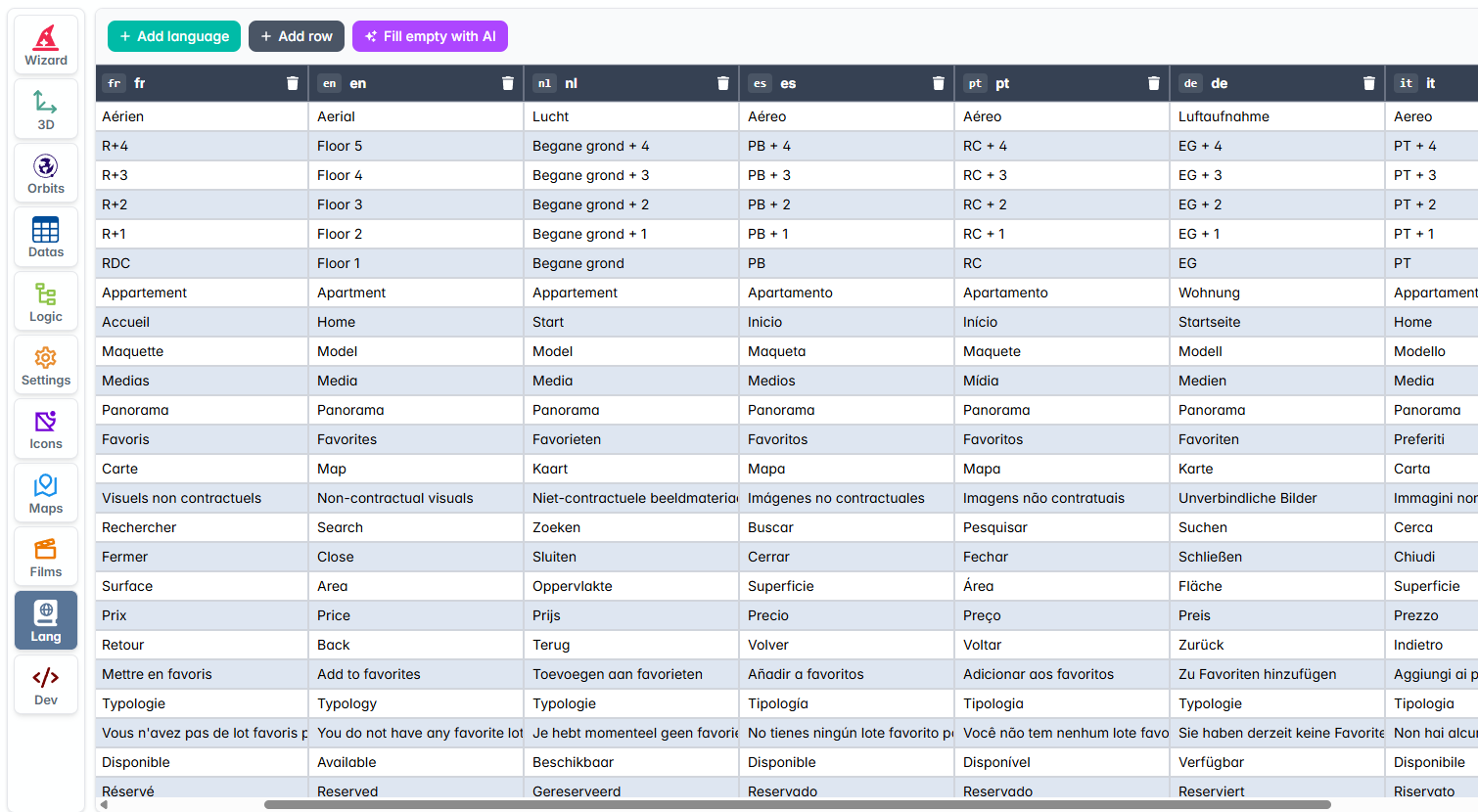
Every model ships in 12 languages by default (French, English, Dutch, Spanish, Portuguese, German, Italian, Finnish, Swedish, Norwegian, Polish, Danish). Visitors automatically see the model in their browser language, with a manual switcher if they want to change it. More languages can be added on request.
More importantly, every word shown to the end user is editable per model. "Apartment", "Unit", "Villa", "Suite", "Level", "Floor": the wording aligns with the developer's brand and the project's typology, never forcing ours. Edits live in a single interface and propagate instantly across every language.
Gaussian Splatting
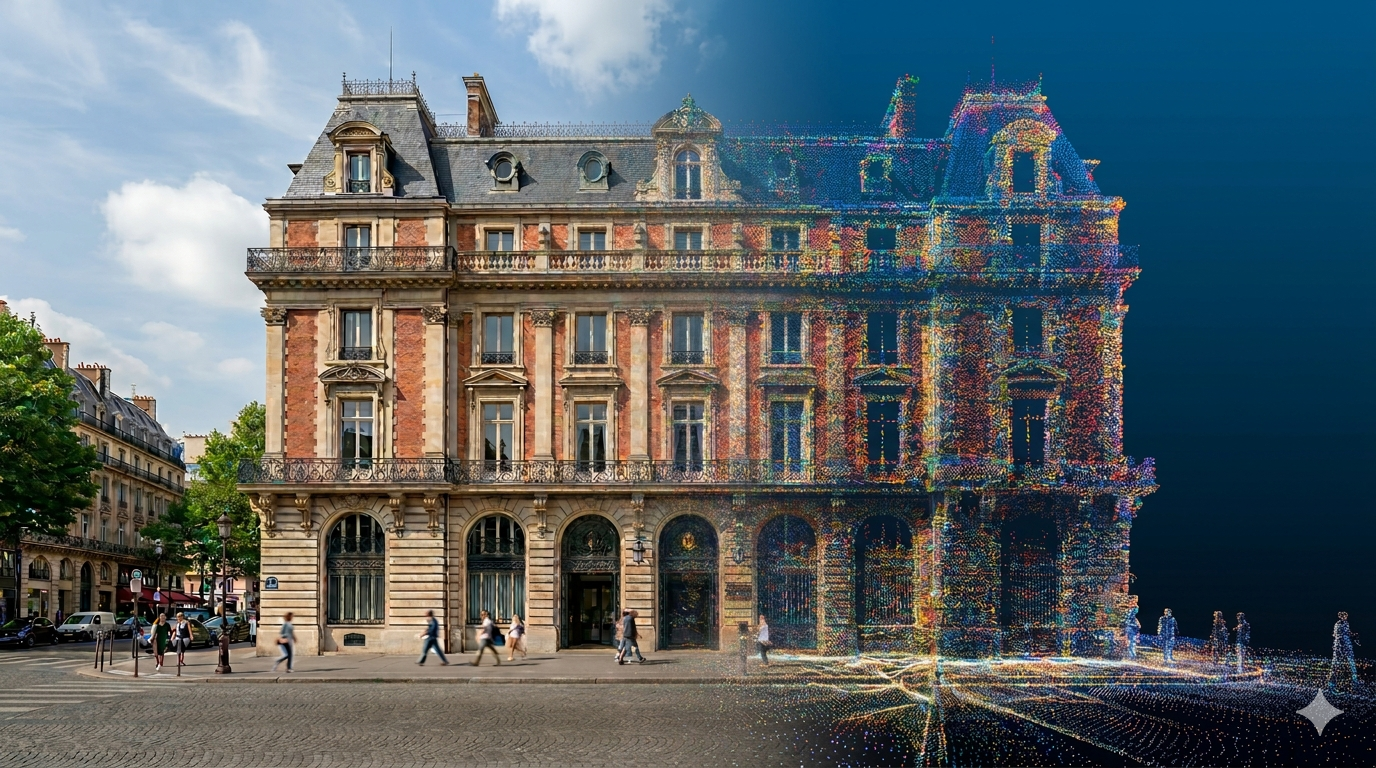
Gaussian Splatting is emerging as the new reference format in archviz: photorealistic rendering generated from real-world captures, ideal for restoring the context of a site (surroundings, existing buildings, vegetation) around your modeled project, with a fluidity and level of detail traditional formats can't match.
See around integrates it natively, with web-optimized performance (smooth playback on mobile too) and, most importantly, the interactivity layer that sets us apart: clickable points of interest (POIs), navigation zones, contextual annotations. Your visitors explore a building as it is (or as it will be) and interact directly with every element of the project.
Got a project in mind?
Let's talk. Tell us about your project and we'll come back with a tailored recommendation.
Contact us